Smart Rotating Gear Shift Dock USB Hub for Tesla Model Y Juniper 2025
Note:
- Not compatible with 2026 Model Y Juniper Premium or 2026 Model Y Juniper Standard.
- The product icon displays the refreshed Model 3. If this is a concern for you, please kindly place your order with care.
This multifunctional dock features USB ports for charging, while its rotating gear shift design adds a touch of style to your car interior.

Features:
- Elevate your Tesla Model Y Juniper's interior with the Smart Rotating Gear Shift Dock. This innovative accessory seamlessly integrates advanced features for an unmatched driving experience.
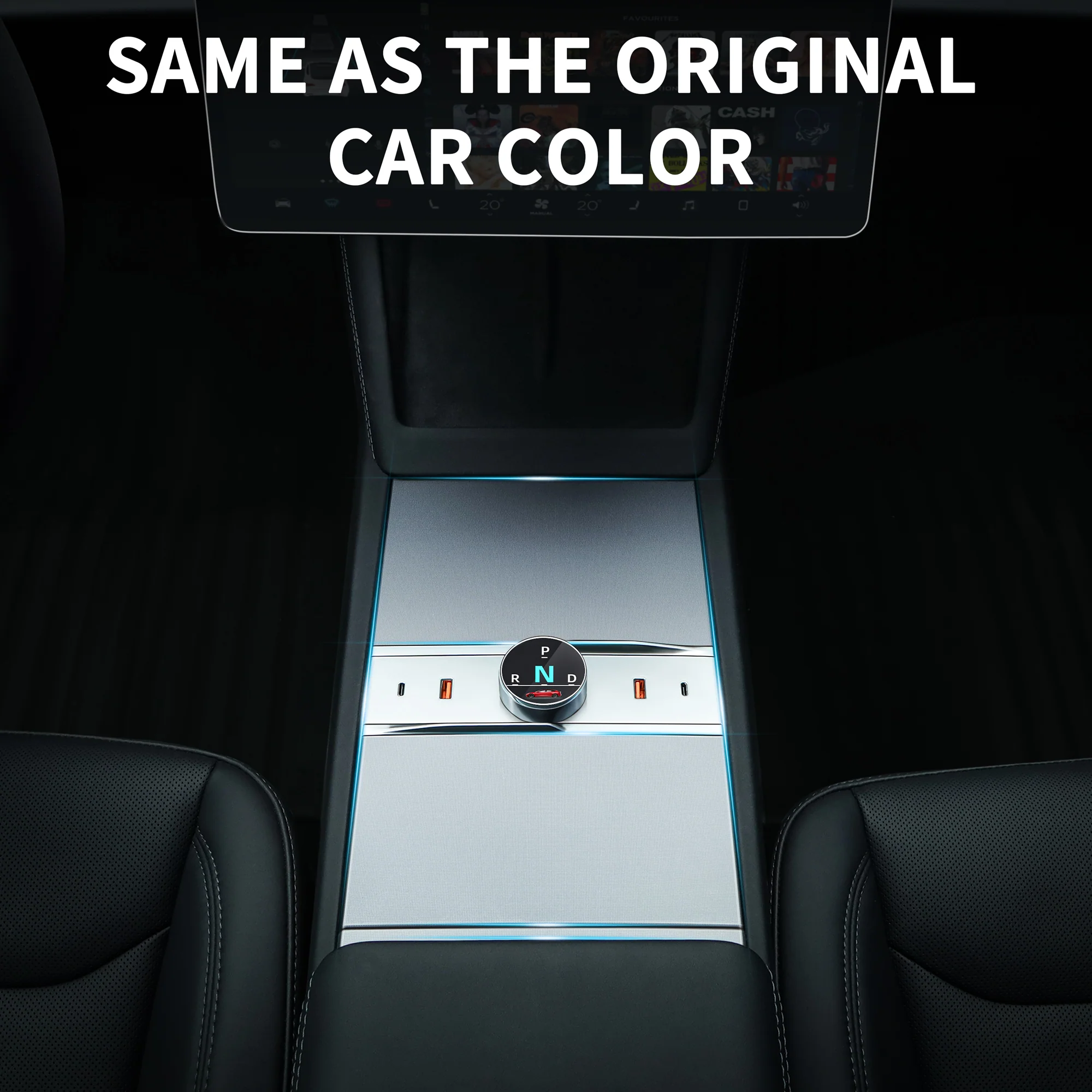
- Custom-Designed for Tesla Model Y Juniper: Ensures a flawless fit, enhancing the aesthetic and functionality of your vehicle's interior.
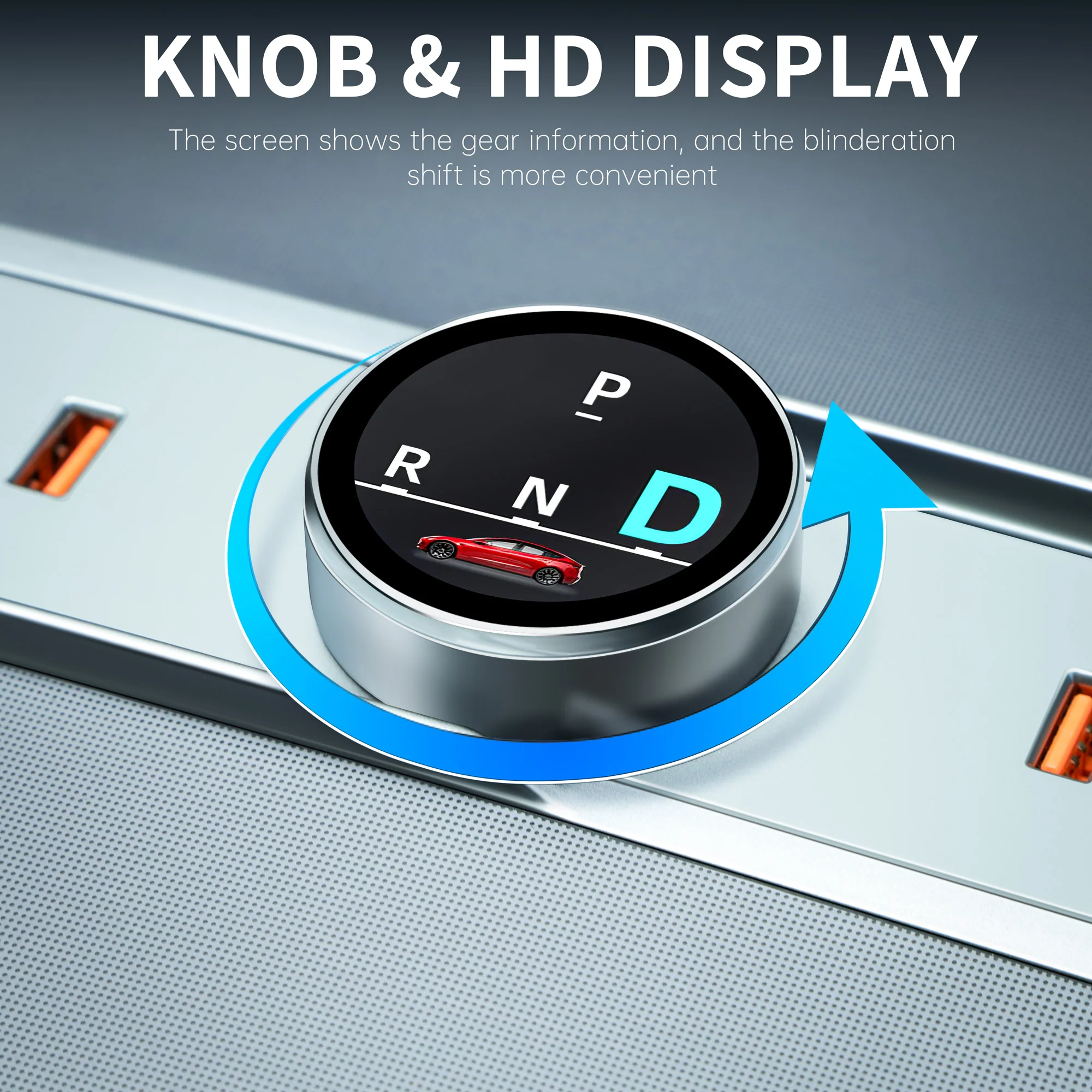
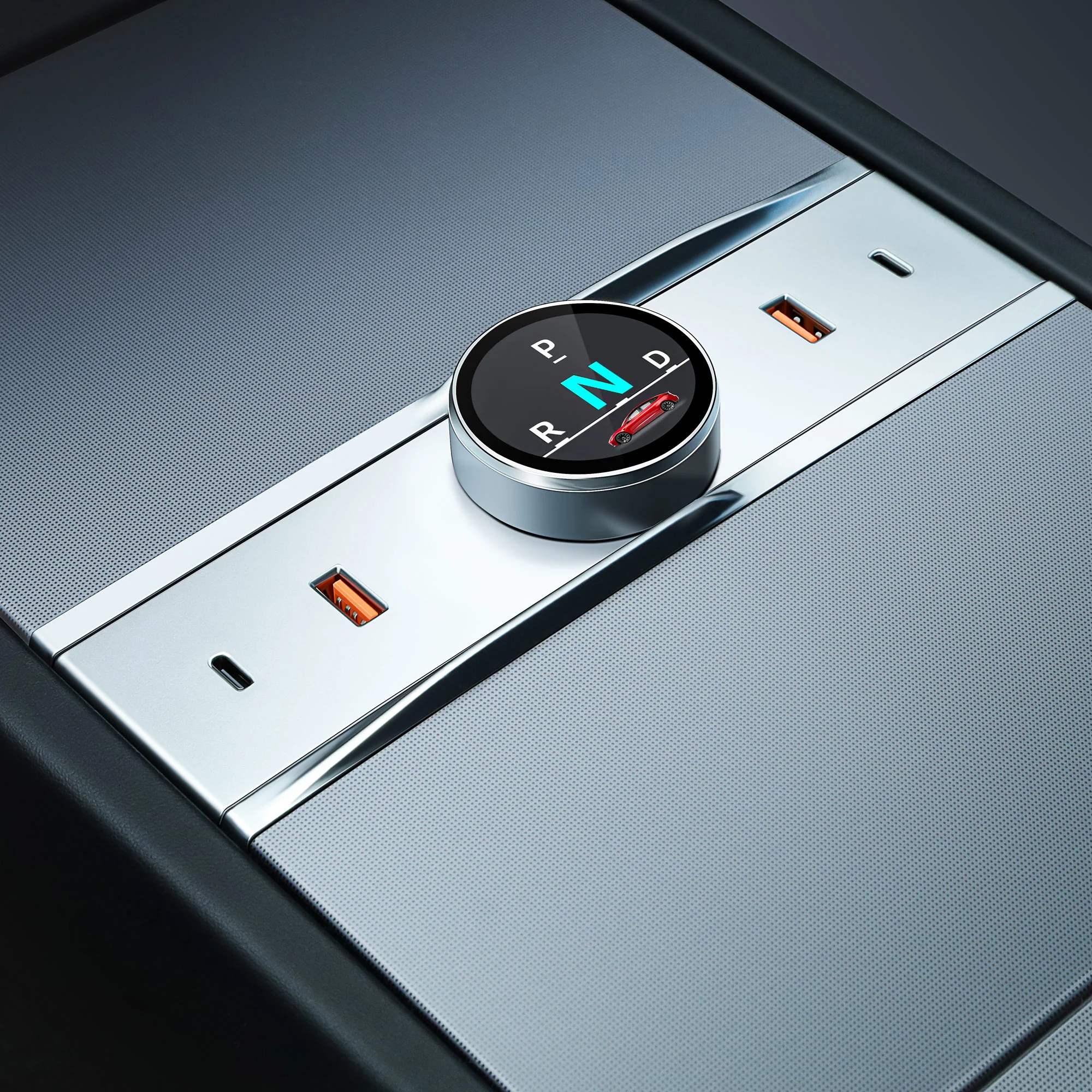
- Integrated High-Definition Shift Knob Screen: Displays gear positions clearly, facilitating intuitive gear changes without taking your eyes off the road.
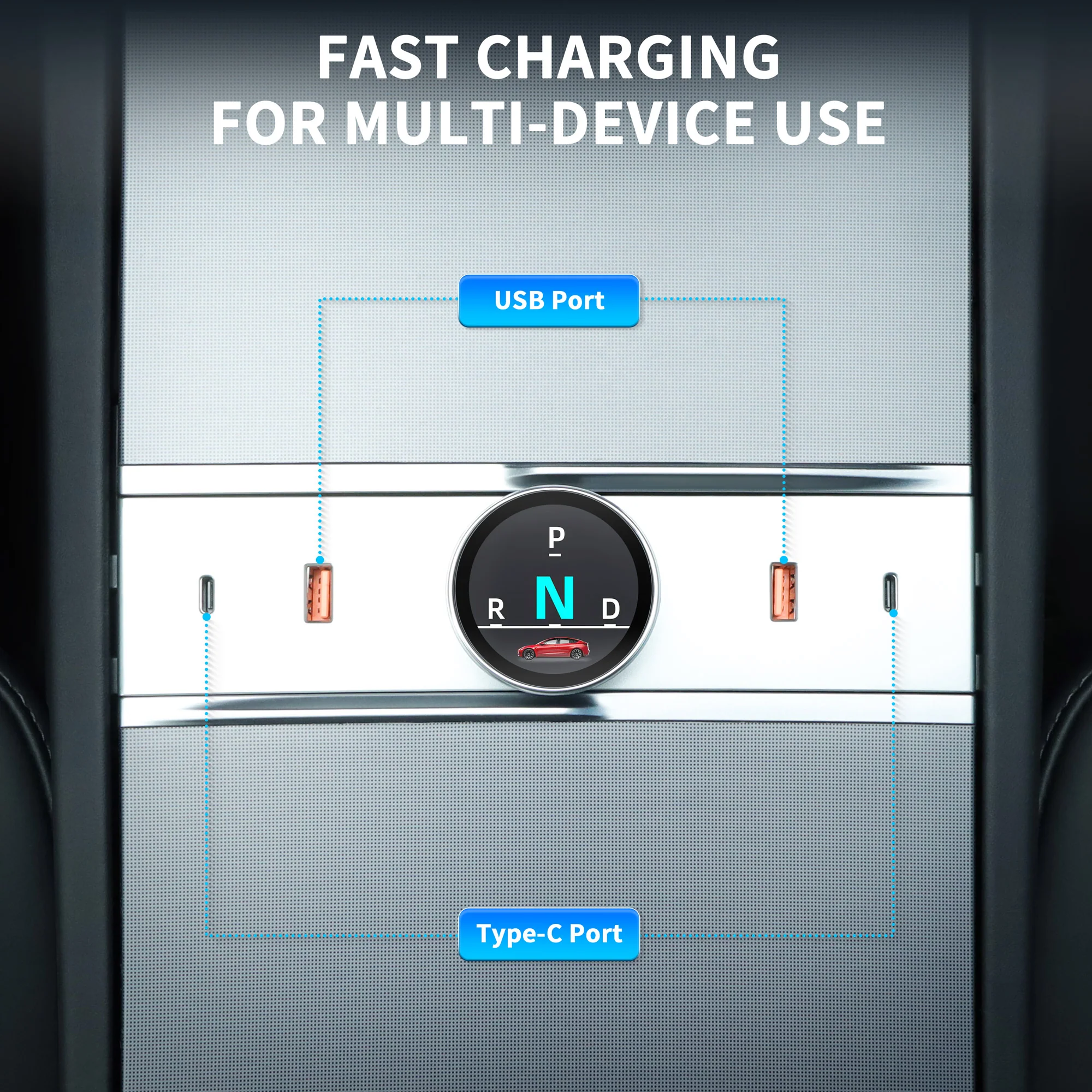
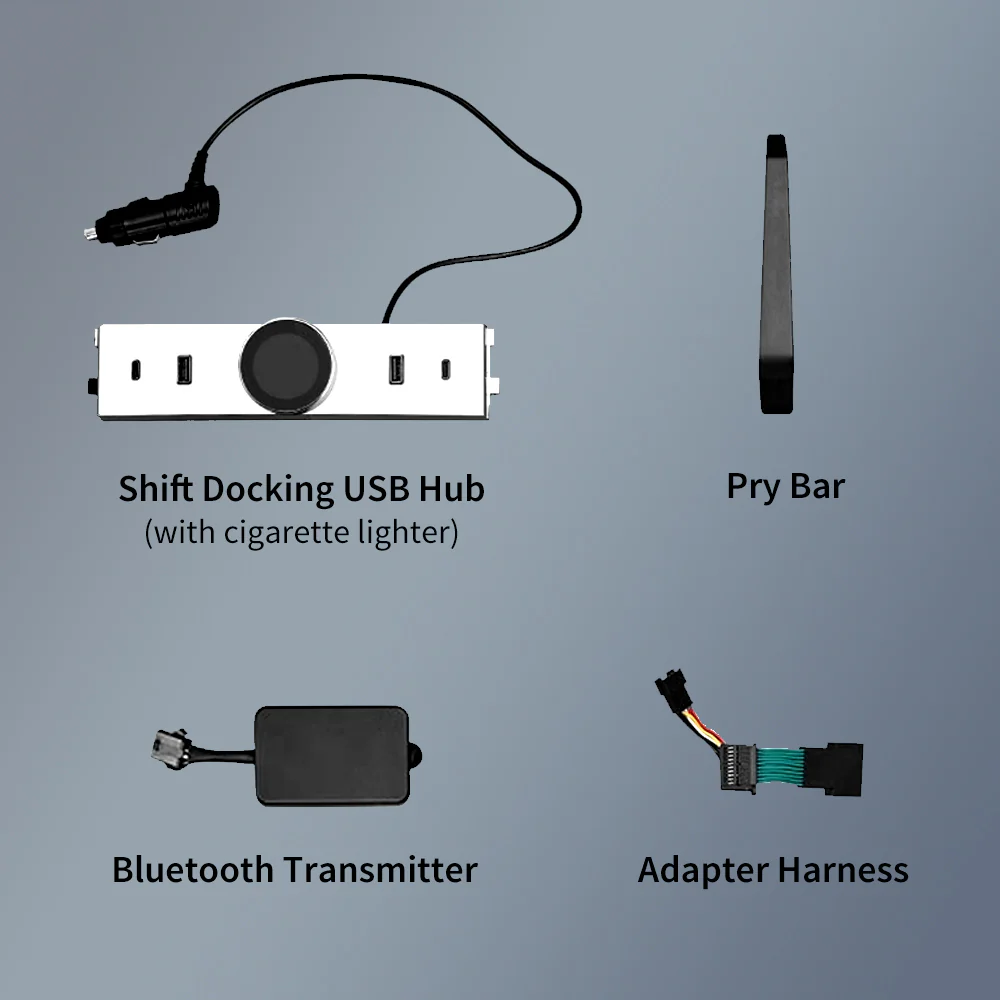
- Multiple Quick Charge Ports: Equipped with 4 charging ports, including Type-C and USB, supporting up to 20W and 18W charging respectively, ensuring all your devices stay powered.
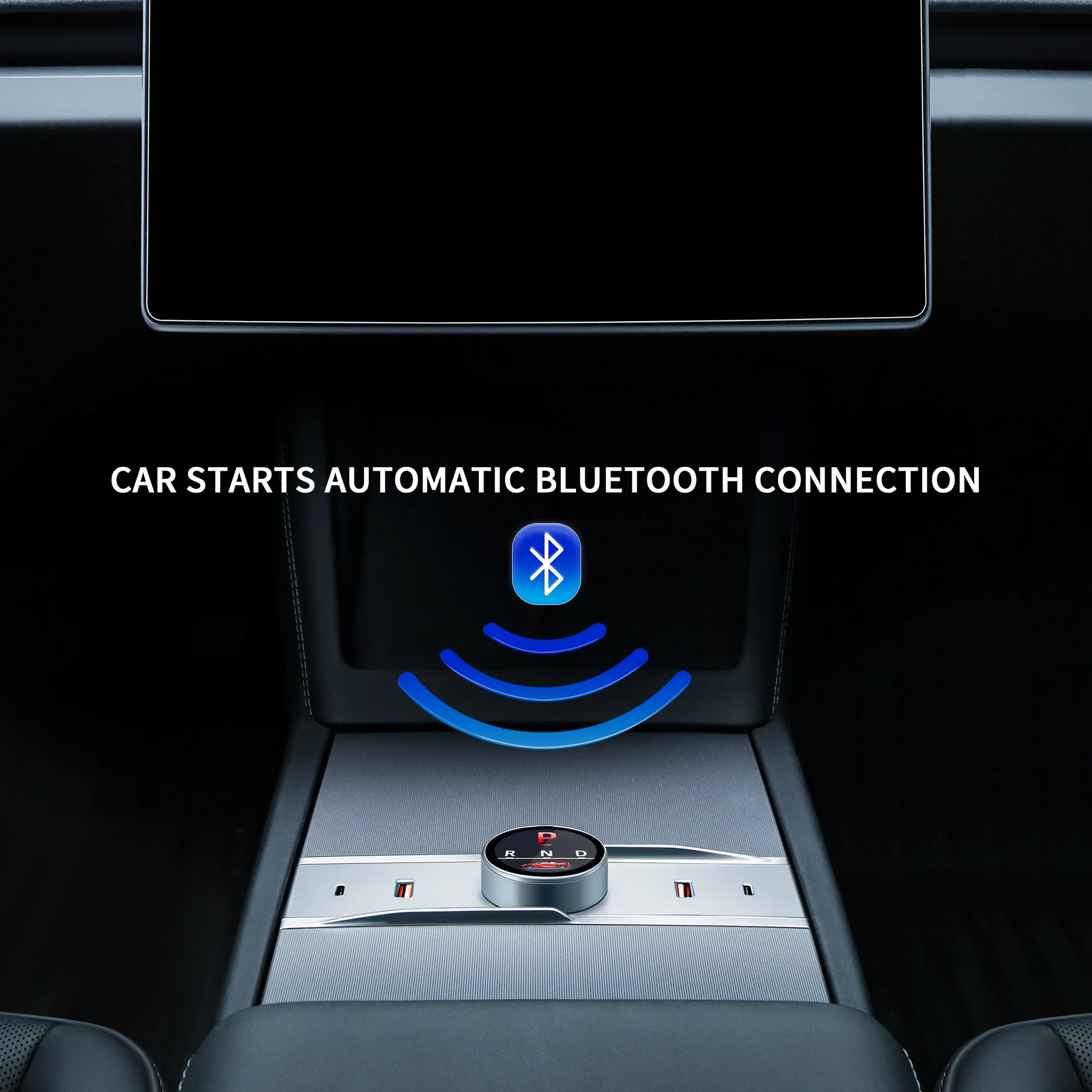
- Bluetooth Connectivity: Offers convenient wireless connection, synchronizing gear shift information directly to the screen for enhanced safety.
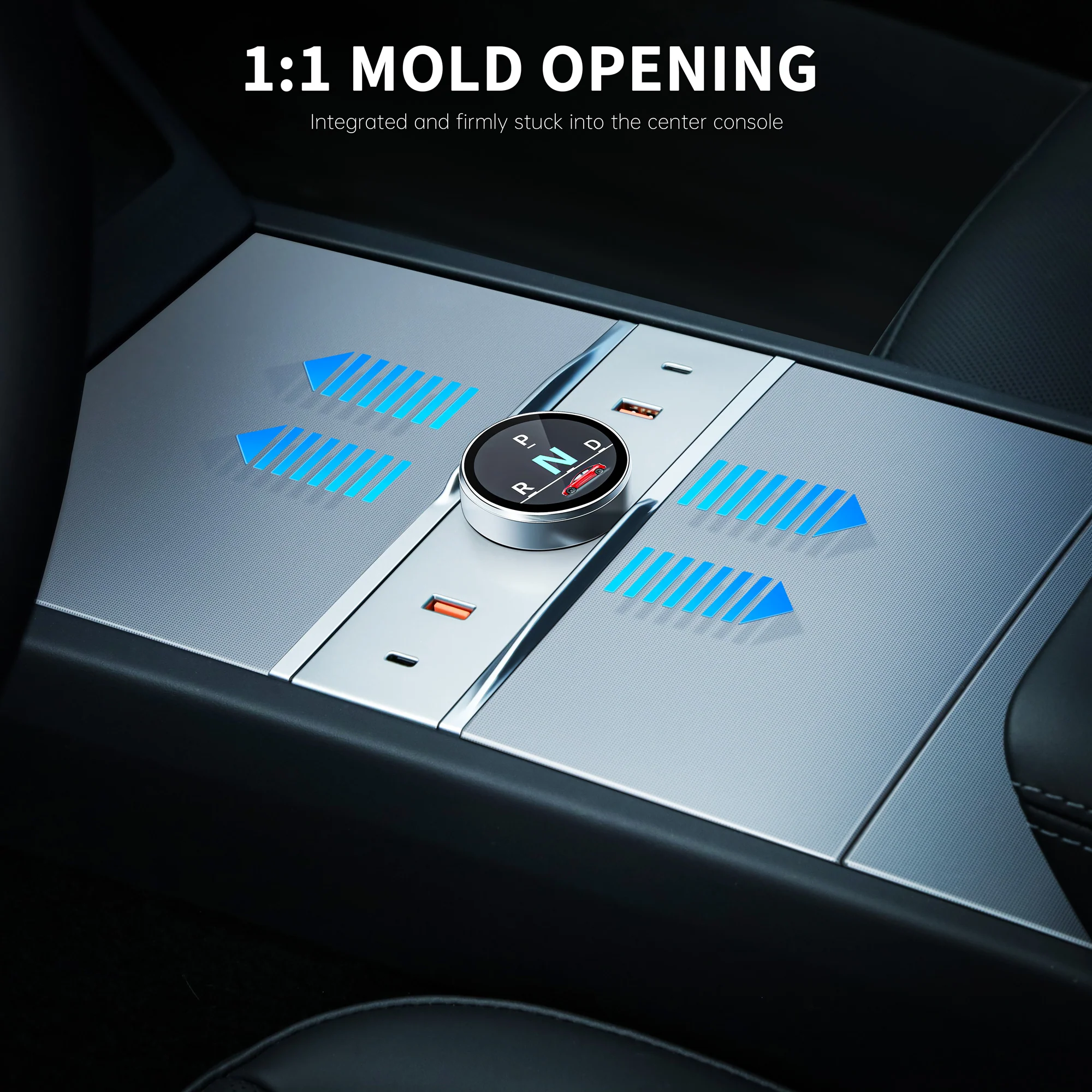
- Hassle-Free lnstallation: 1:1 custom fit design allows for easy, non-destructive installation, maintaining the vehicle's original features and storage accessibility.

Tesla Model Y Juniper Shift Docking Station -FAQ Troubleshooting Guide
Q1: How many interfaces are there?
A1: Two USB, two type-c interfaces
Solution: USB3.0*2 , type-c*2
Q2: Why is fast charging so slow?
A2: PD high-speed charging requires a PD charging cable
Solution: Replace the PD charging cable
Q3: Scope of application
A3: Cell phones, tablets, digital cameras
Q4: How to switch gears?
A4: Just rotate it left or right
Solution: For details, view the demonstration video
Q5: How to switch back to P mode?
A5: Short press the screen
Q6: Do I need to connect to Bluetooth manually?
A6: Automatically connect by default
Solution: Normal notification, the screen will display normally
Original: $129.99
-70%$129.99
$39.00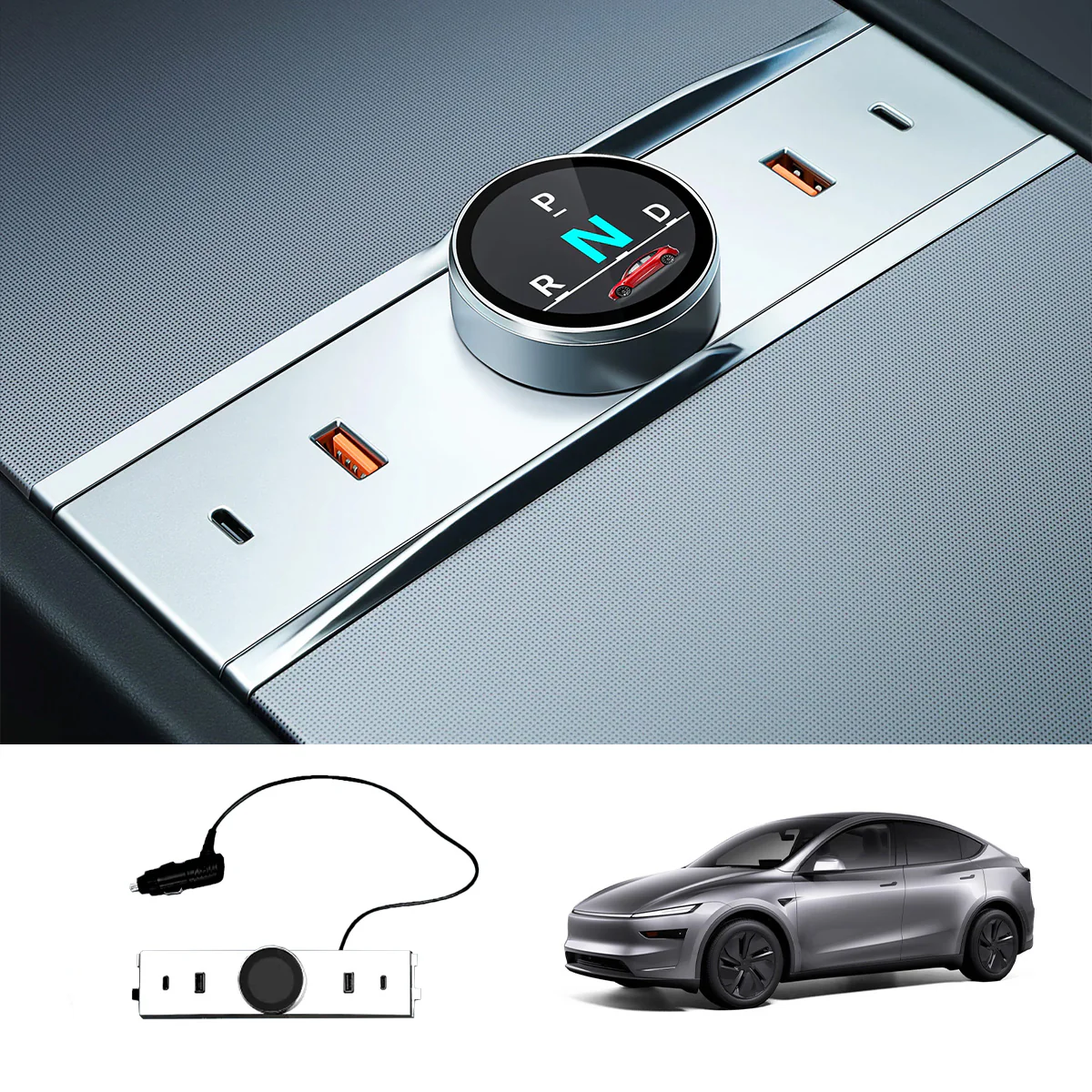
Description
Note:
- Not compatible with 2026 Model Y Juniper Premium or 2026 Model Y Juniper Standard.
- The product icon displays the refreshed Model 3. If this is a concern for you, please kindly place your order with care.
This multifunctional dock features USB ports for charging, while its rotating gear shift design adds a touch of style to your car interior.
Features:
- Elevate your Tesla Model Y Juniper's interior with the Smart Rotating Gear Shift Dock. This innovative accessory seamlessly integrates advanced features for an unmatched driving experience.
- Custom-Designed for Tesla Model Y Juniper: Ensures a flawless fit, enhancing the aesthetic and functionality of your vehicle's interior.
- Integrated High-Definition Shift Knob Screen: Displays gear positions clearly, facilitating intuitive gear changes without taking your eyes off the road.
- Multiple Quick Charge Ports: Equipped with 4 charging ports, including Type-C and USB, supporting up to 20W and 18W charging respectively, ensuring all your devices stay powered.
- Bluetooth Connectivity: Offers convenient wireless connection, synchronizing gear shift information directly to the screen for enhanced safety.
- Hassle-Free lnstallation: 1:1 custom fit design allows for easy, non-destructive installation, maintaining the vehicle's original features and storage accessibility.
Tesla Model Y Juniper Shift Docking Station -FAQ Troubleshooting Guide
Q1: How many interfaces are there?
A1: Two USB, two type-c interfaces
Solution: USB3.0*2 , type-c*2
Q2: Why is fast charging so slow?
A2: PD high-speed charging requires a PD charging cable
Solution: Replace the PD charging cable
Q3: Scope of application
A3: Cell phones, tablets, digital cameras
Q4: How to switch gears?
A4: Just rotate it left or right
Solution: For details, view the demonstration video
Q5: How to switch back to P mode?
A5: Short press the screen
Q6: Do I need to connect to Bluetooth manually?
A6: Automatically connect by default
Solution: Normal notification, the screen will display normally