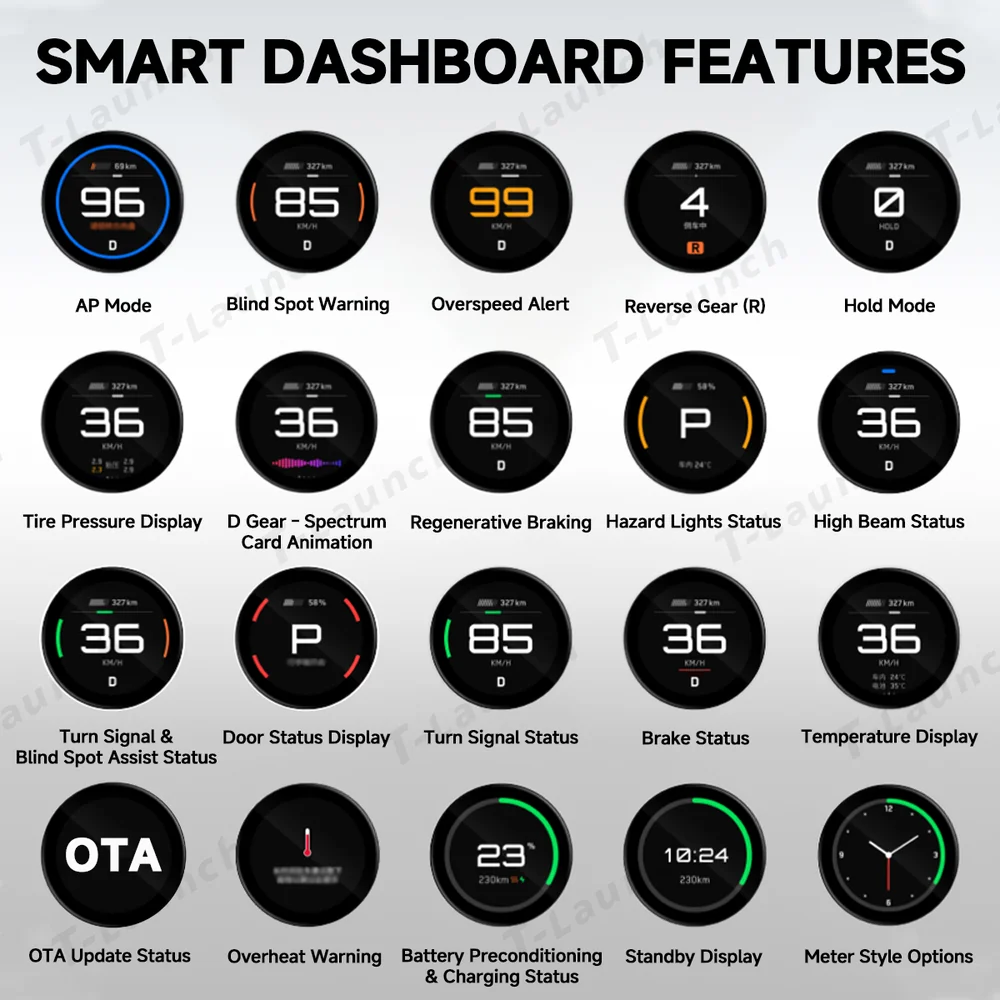
• Real-Time Vehicle Status: Instantly displays critical vehicle information, keeping you informed at all times and enhancing both safety and driving confidence.

Elevate your Tesla driving experience with the Smart Dashboard Gauge Display. Its compact circular design fits seamlessly into the dashboard, keeping key vehicle information within easy view. Intuitive to read and effortless to use, it adds convenience, enhances safety, and makes every drive more enjoyable.
• Real-Time Vehicle Status: Instantly displays critical vehicle information, keeping you informed at all times and enhancing both safety and driving confidence.
• Customizable Themes: Switch freely between three UI themes and personalize the startup animation, giving your dashboard a high-tech, tailored look.
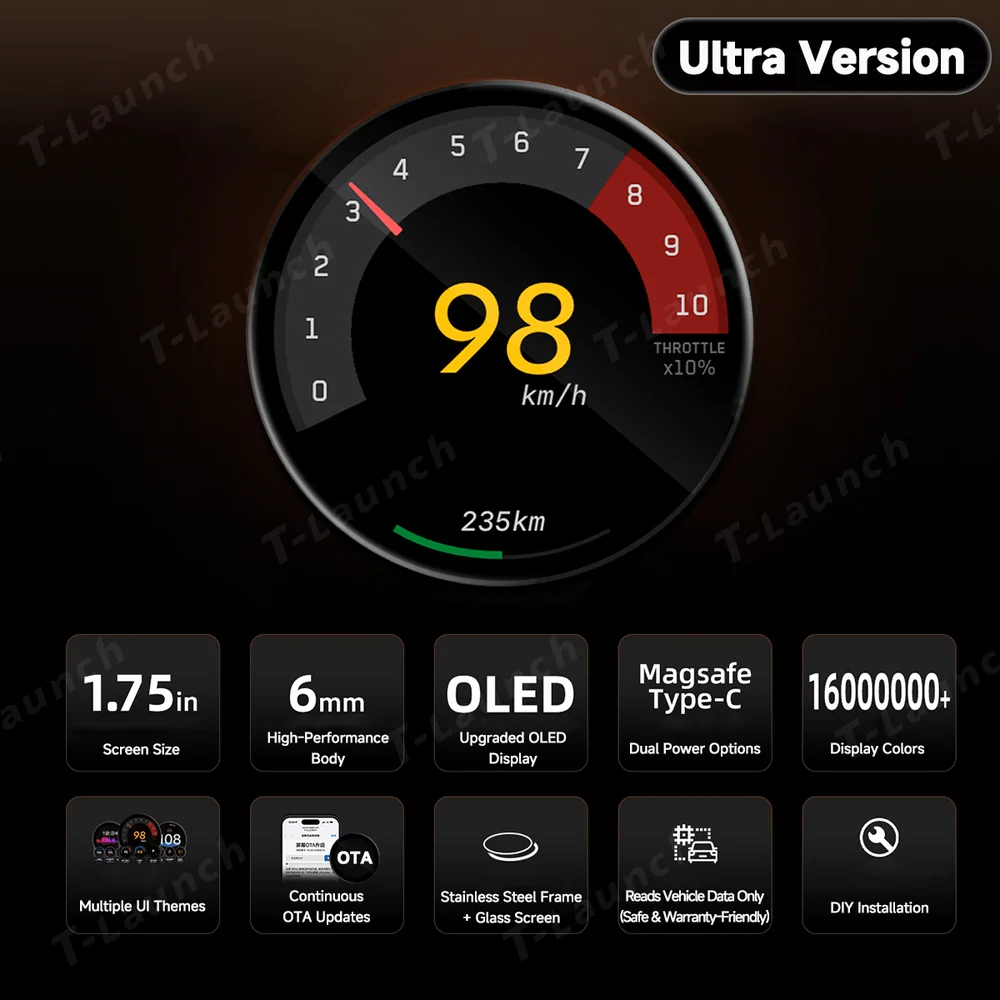
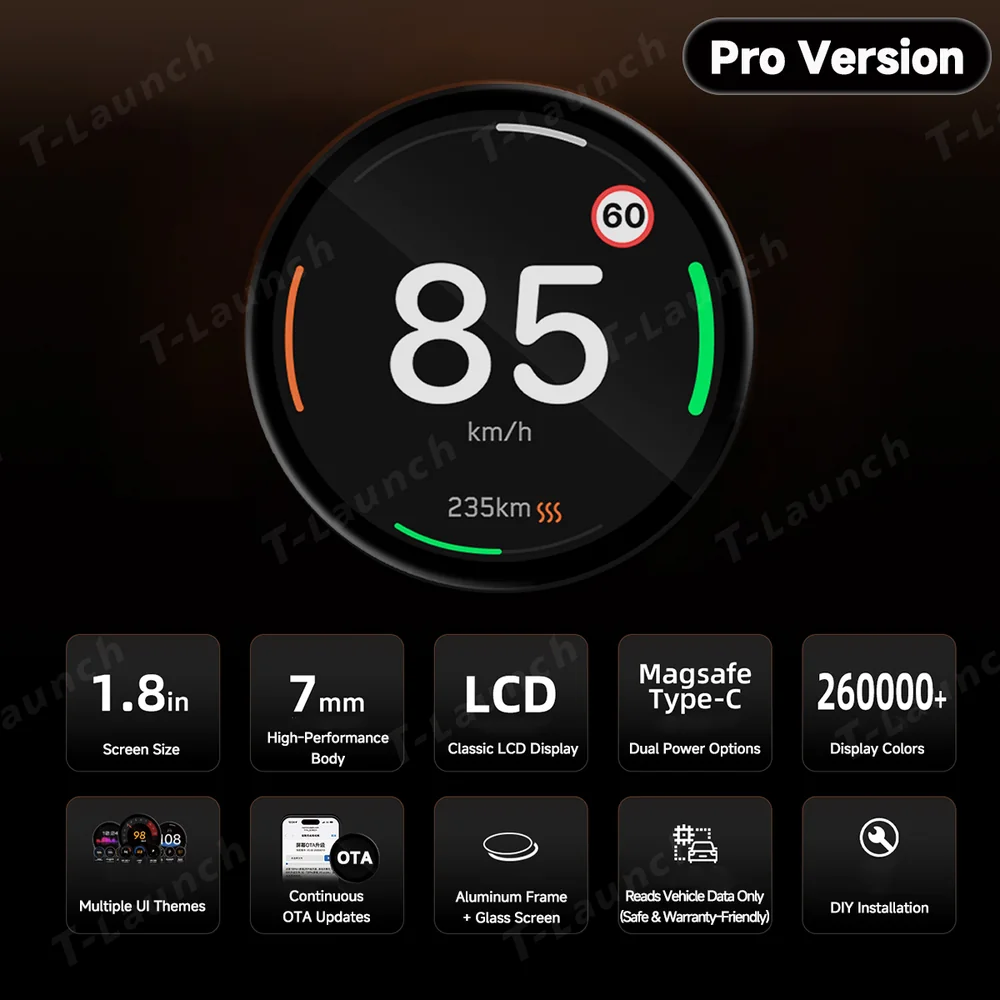
• Compact & Premium Design: The small circular body fits seamlessly into the dashboard. Aluminum or stainless steel frame paired with a glass screen adds elegance while enhancing interior aesthetics.

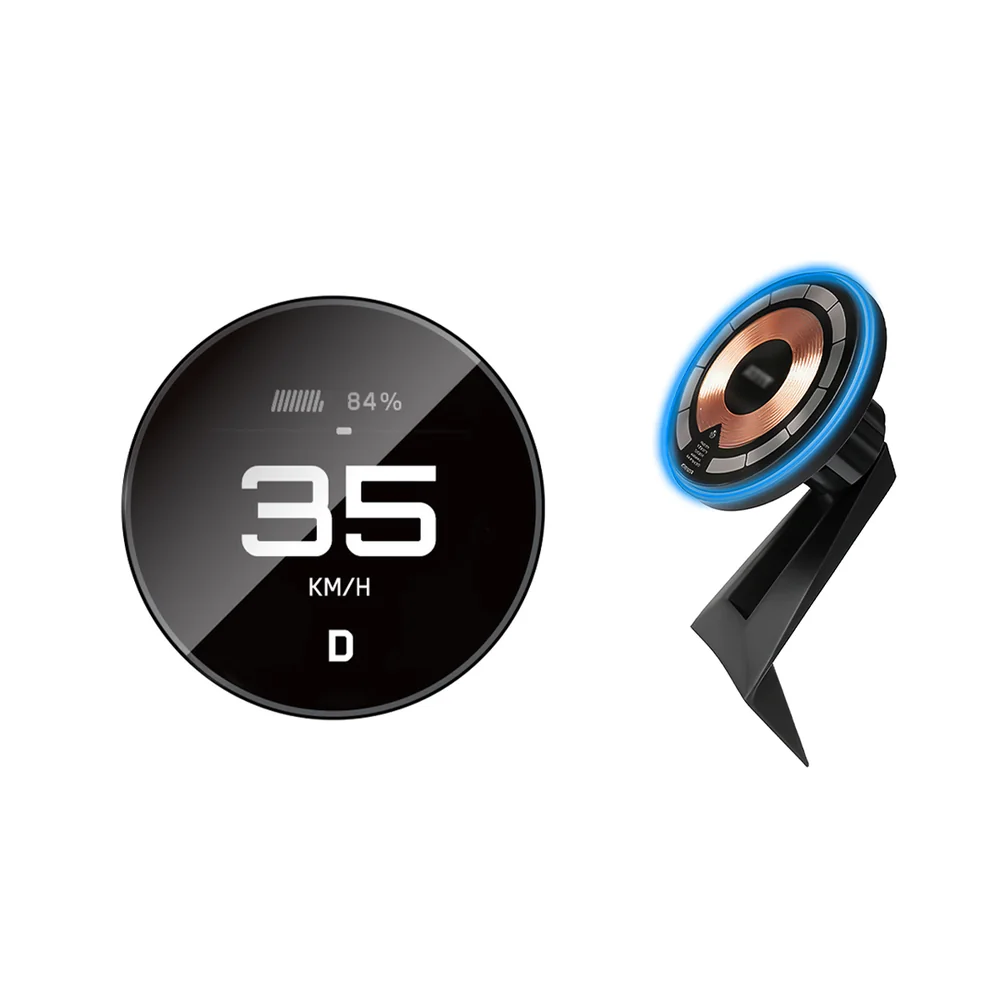
• Magnetic Mount Compatible: Recommended with the optional magnetic wireless charging mount, which keeps the gauge stable while supporting wireless charging. The raised display improves your line of sight, enhancing both safety and ease of use.
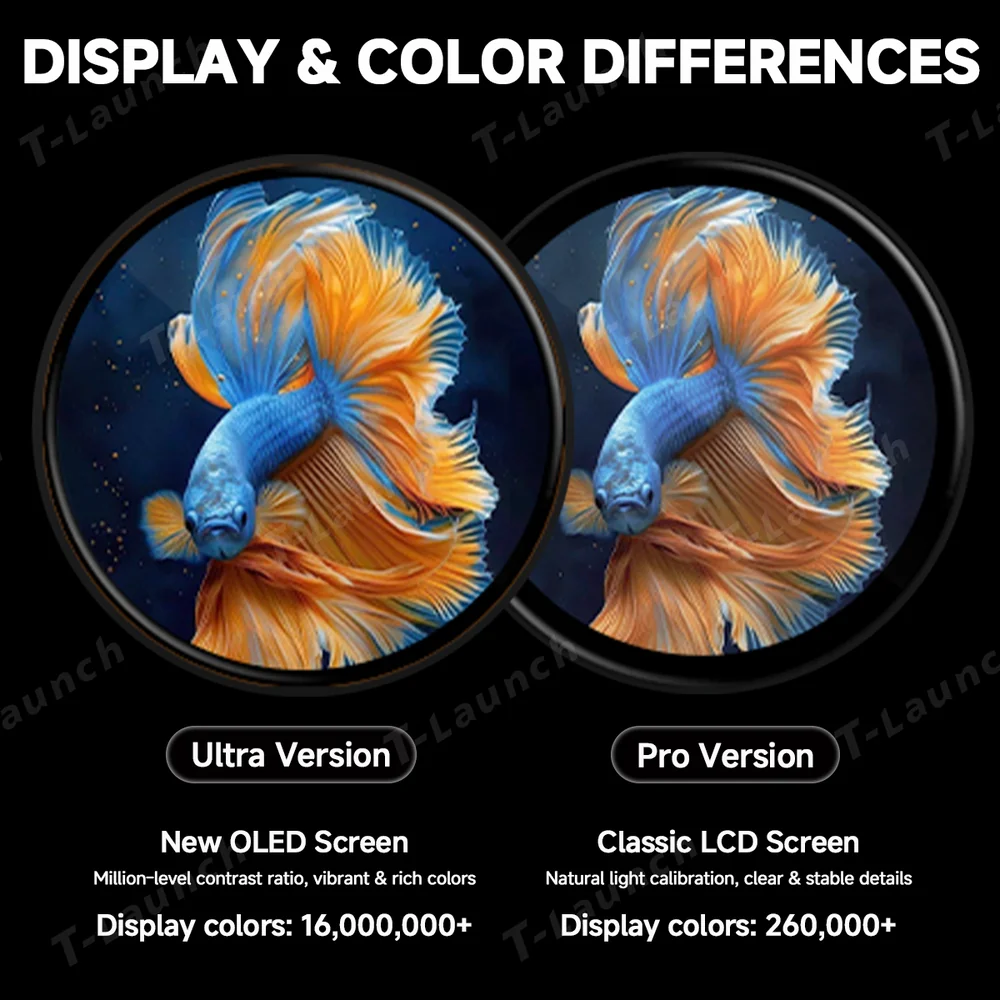
• High-Definition Color Display: High-contrast full-color screen (OLED for Ultra, LCD for Pro) delivers clear and vivid information, providing a comfortable and enjoyable viewing experience while driving.

For Tesla Model Y Juniper 2025+ / Model 3 Highland 2024+
For Tesla Model Y 2020–2024 / Model 3 2017–2023


Original: $5,754.00
-70%$5,754.00
$1,726.20





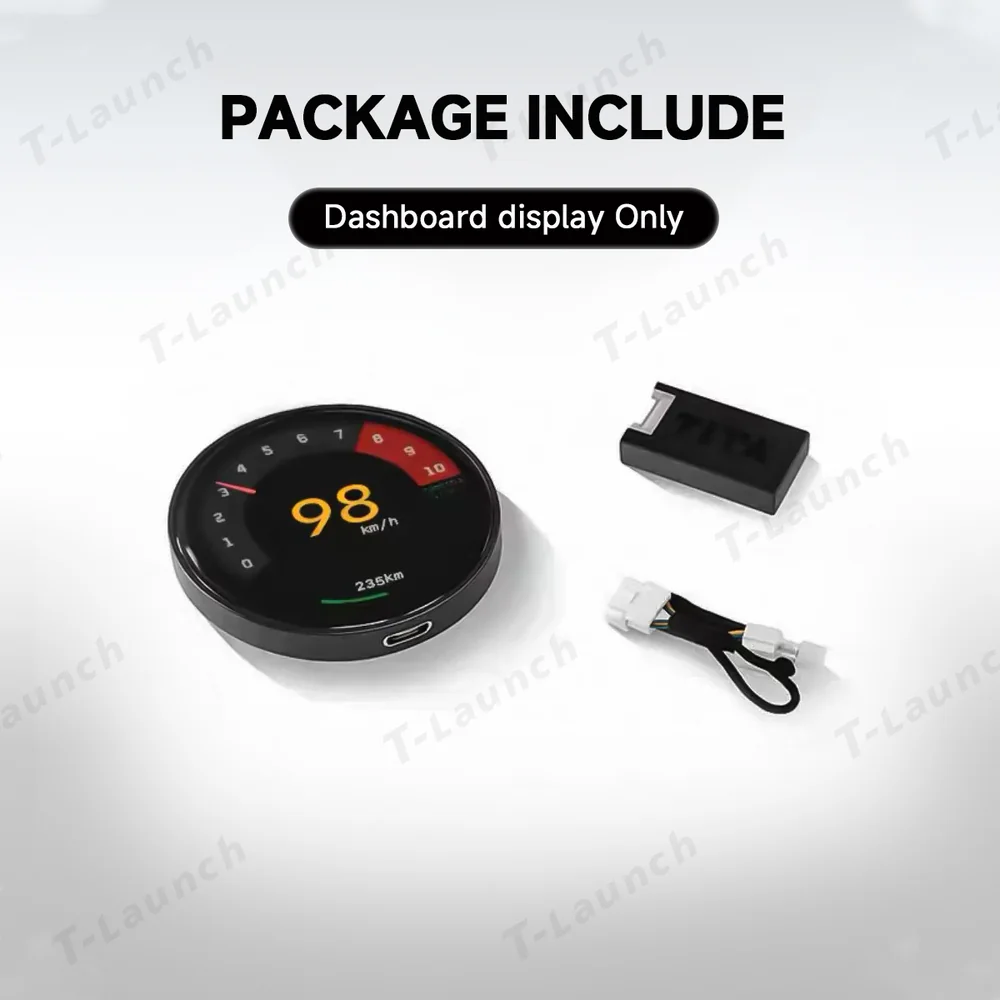




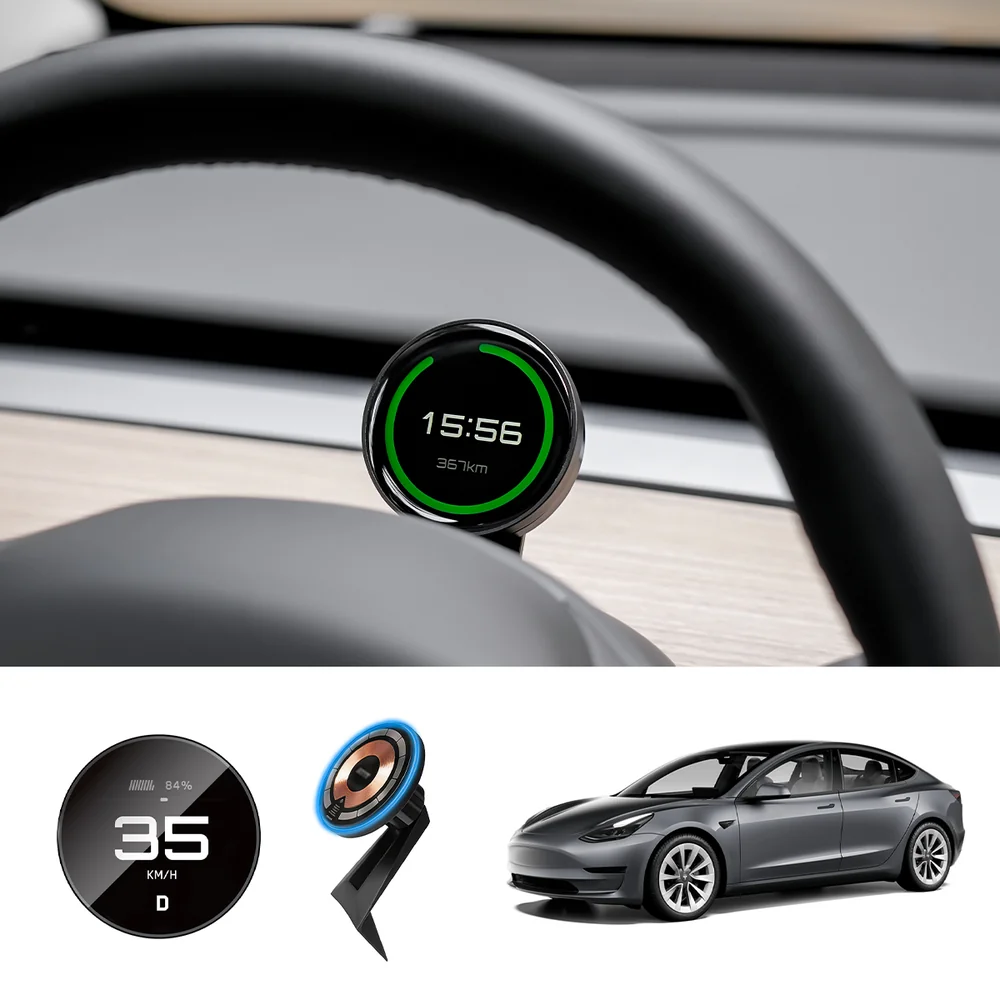
Elevate your Tesla driving experience with the Smart Dashboard Gauge Display. Its compact circular design fits seamlessly into the dashboard, keeping key vehicle information within easy view. Intuitive to read and effortless to use, it adds convenience, enhances safety, and makes every drive more enjoyable.
• Real-Time Vehicle Status: Instantly displays critical vehicle information, keeping you informed at all times and enhancing both safety and driving confidence.
• Customizable Themes: Switch freely between three UI themes and personalize the startup animation, giving your dashboard a high-tech, tailored look.
• Compact & Premium Design: The small circular body fits seamlessly into the dashboard. Aluminum or stainless steel frame paired with a glass screen adds elegance while enhancing interior aesthetics.
• Magnetic Mount Compatible: Recommended with the optional magnetic wireless charging mount, which keeps the gauge stable while supporting wireless charging. The raised display improves your line of sight, enhancing both safety and ease of use.
• High-Definition Color Display: High-contrast full-color screen (OLED for Ultra, LCD for Pro) delivers clear and vivid information, providing a comfortable and enjoyable viewing experience while driving.
For Tesla Model Y Juniper 2025+ / Model 3 Highland 2024+
For Tesla Model Y 2020–2024 / Model 3 2017–2023
Original: $5,754.00
-70%$5,754.00
$1,726.20